Bitepixa guidesLog water and correct your total
Watch the matching water-logging tutorial
Bitepixa 0.2.0 · Android
The Water card gives you two ways to log a drink. Use the quick button for a 250 ml glass, or enter the total yourself for a different amount.
Add a 250 ml glass
Open Today and scroll down to Water. Tap Add 250 ml once for each glass. If the total was 250 ml, one tap brings it to 500 ml.
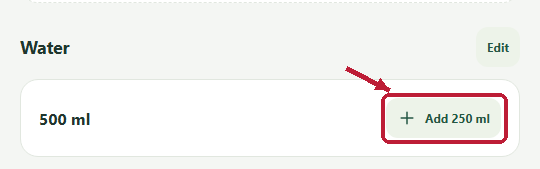 The arrow points to the quick-add button. Read your current total on the left.
Correct the total
Tap Edit beside Water. Check the date shown in the form. Enter everything you have logged for that day, in millilitres, then tap Save. For example, after logging 250 ml, enter 500 to change the daily total to 500 ml.
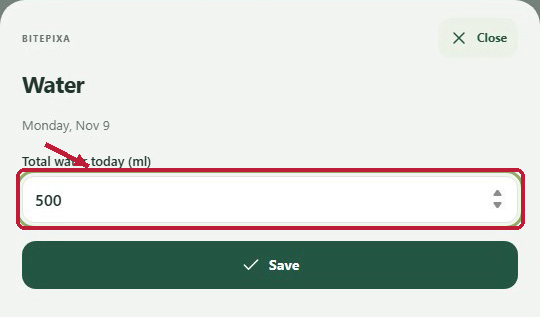 The red outline marks the daily total field. After saving, check the number on the Water card.