Bitepixa 0.2.0 · Android
From pizza photo to food estimate
Watch the Bitepixa walkthrough on YouTube
What can a food diary tell you from a photo of a pizza? We selected the picture below in Bitepixa and ran the scan offline. Follow it from the original photo to the estimate, then check which assumptions you can change.
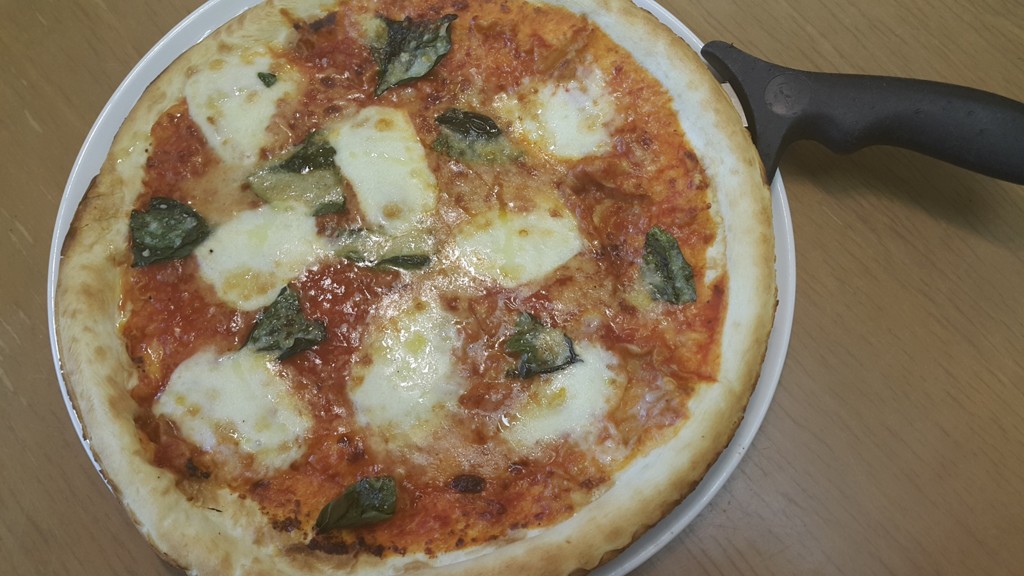
Red outlines and arrows identify the controls or readings discussed in each step.
1. Take a photo or choose one from Gallery
Open Today. Tap Take photo, frame your meal, and take the picture. If you already have a photo, tap Gallery and select it. We used Gallery for this pizza.
2. Read the result
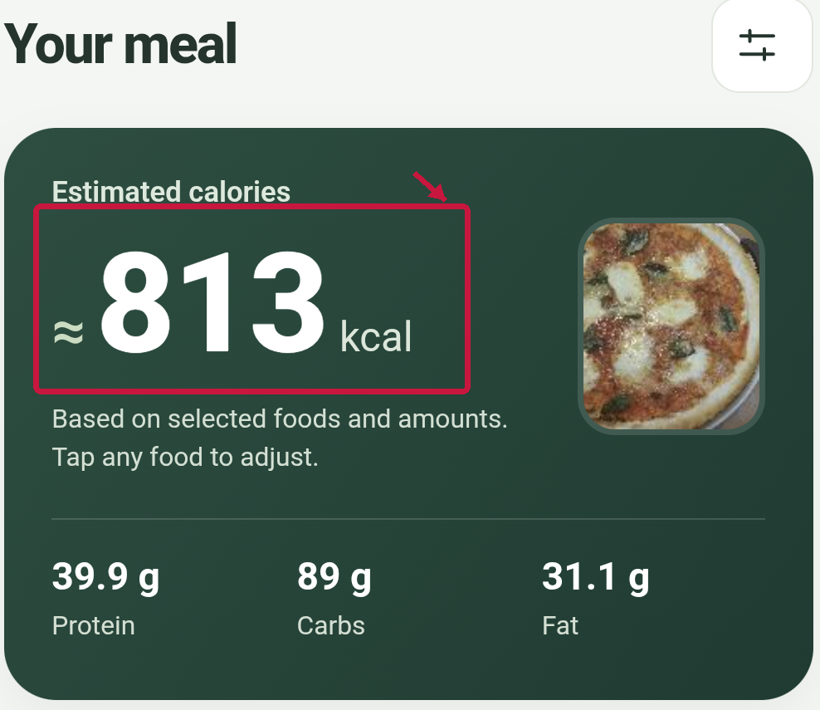
The scan identified Pizza. The result card displayed approximately 813 kcal for the estimated portion. That number belongs to this scan of this photograph. A different pizza, crust, topping or portion can give a different result.
3. Check the portion
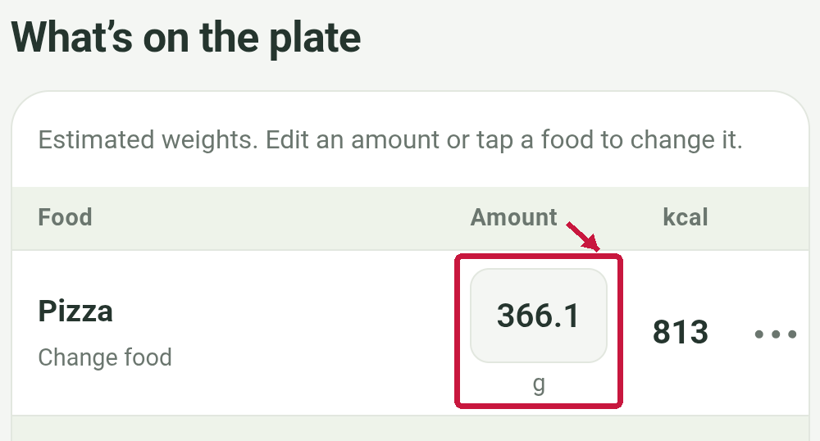
Scroll to What’s on the plate. On the Pizza row, the estimated amount is 366.1 g. The camera did not weigh the food. If you know the weight you served, tap the amount, enter that value and review the recalculated estimate. If the food match is wrong, tap Pizza to change it.
4. Check the food reference
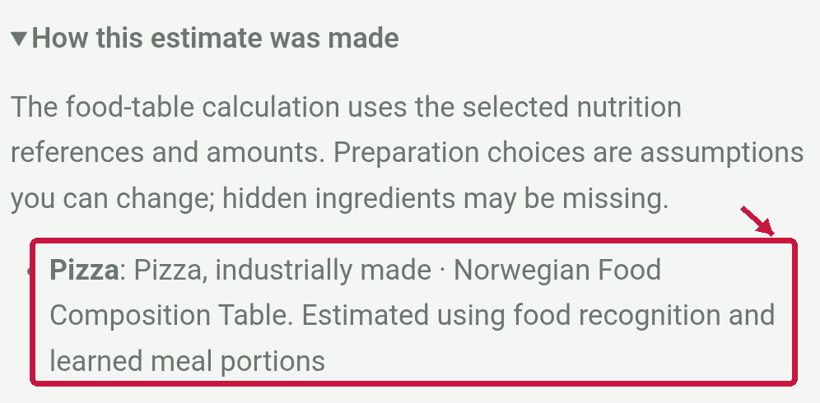
Expand How this estimate was made. In this example, Bitepixa matched the photo to Pizza, industrially made in the Norwegian Food Composition Table. That description is an assumption to review. The photo alone cannot establish how the pizza was prepared.
When the food and portion look right, choose Mark as eaten if you want the meal counted in your diary.