All app guides
Adjust speaker volume
Android · Version 1.3.0 · November 13, 2026
Watch the matching video
Find the selected room
On the home screen, check the room name above its volume slider. This example uses Dining Room.
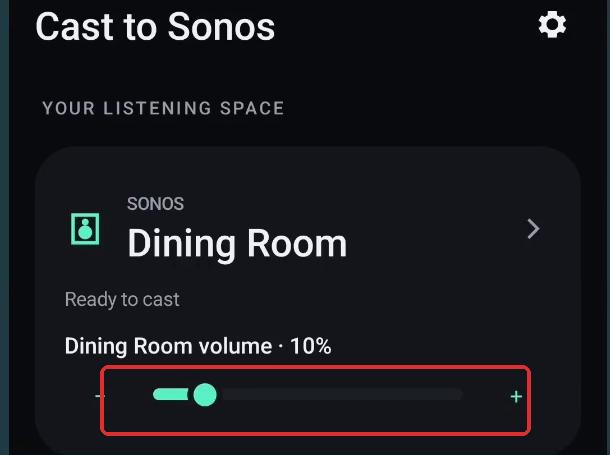 Red outline identifies the controls discussed.
Increase and decrease the setting
Use the plus control to raise the displayed volume. The recording shows the setting at 12%, then uses minus to return to 10%. The slider provides another way to change speaker volume.
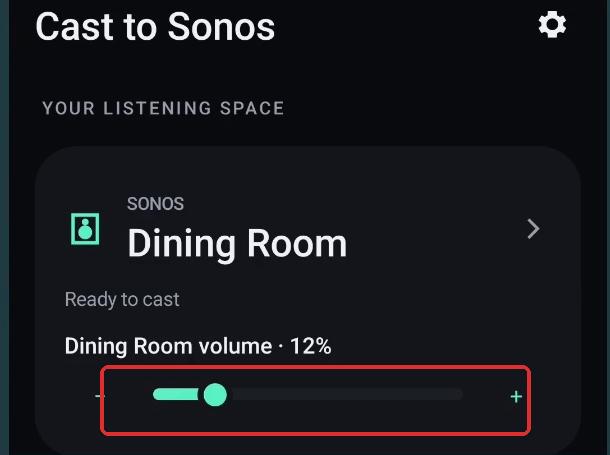 Red outline identifies the controls discussed.
The percentage is a control setting, not a measured sound level. This walkthrough does not demonstrate live casting or the separate Mute stream control. Cast to Sonos is an independent app, unaffiliated with Sonos.
Watch the quick vertical Short