
Cast to Sonos
Share permitted app audio with compatible Sonos speakers over your local Wi-Fi. Keep playback in the source app and control Sonos volume, sound and timing in one place.
Free and ad-supported. Android 10+ required. No account or subscription is required.
Your source app. Your Sonos rooms.
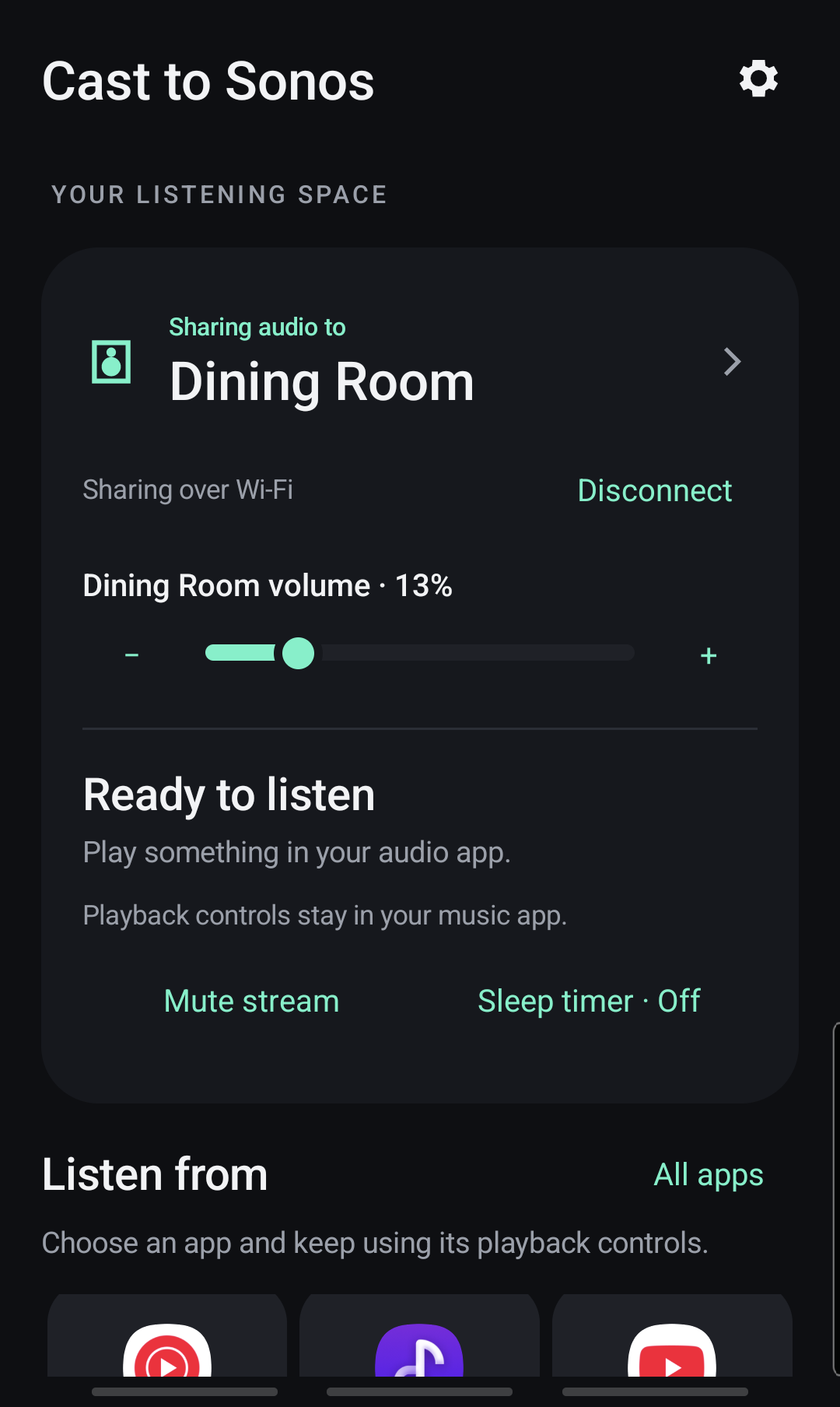
Choose a compatible speaker, approve Android audio sharing and play in your usual player.
Direct controls
Adjust Sonos volume, use source-player controls and optionally switch between active players.
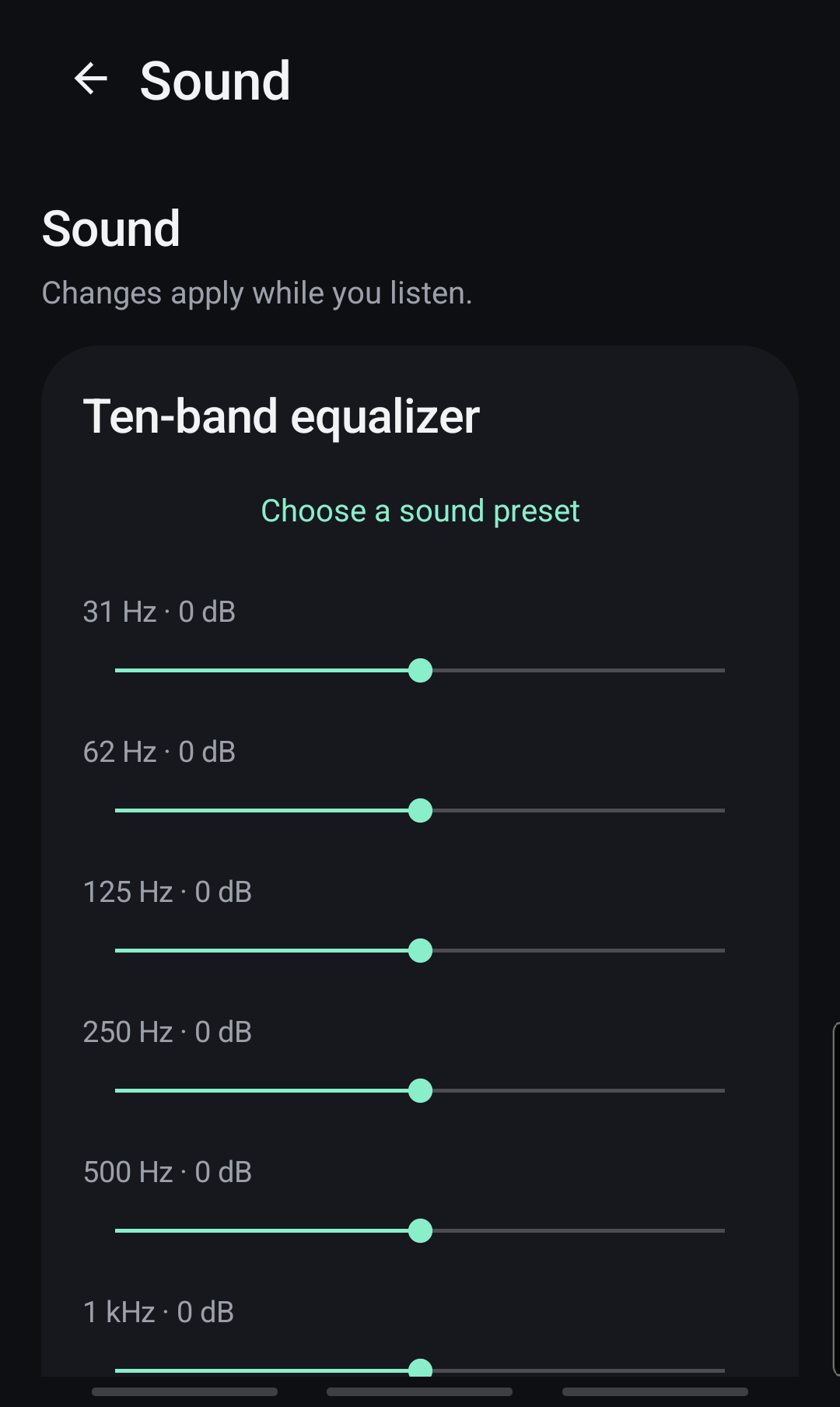
Shape the stream
Use a ten-band equalizer, balance, sound presets and saved room-and-sound scenes.
Set and relax
Add a sleep timer and keep the controls you need close at hand.
Optional live microphone input.
Version 1.1.0 is now the production release on Google Play.
Explicit opt-in
Tap Use microphone, confirm Start microphone and grant Android microphone permission before any nearby sound is captured.
Live controls
Mute or stop from the app and foreground notification. Mute stops transmitted sound; Stop releases microphone access. Adjust microphone boost with local peak limiting.
Local stream
Microphone audio is sent to the selected Sonos over local Wi-Fi. It is not saved or uploaded to Urmia Works or advertising providers. The LAN stream is unencrypted.
A focused control surface.
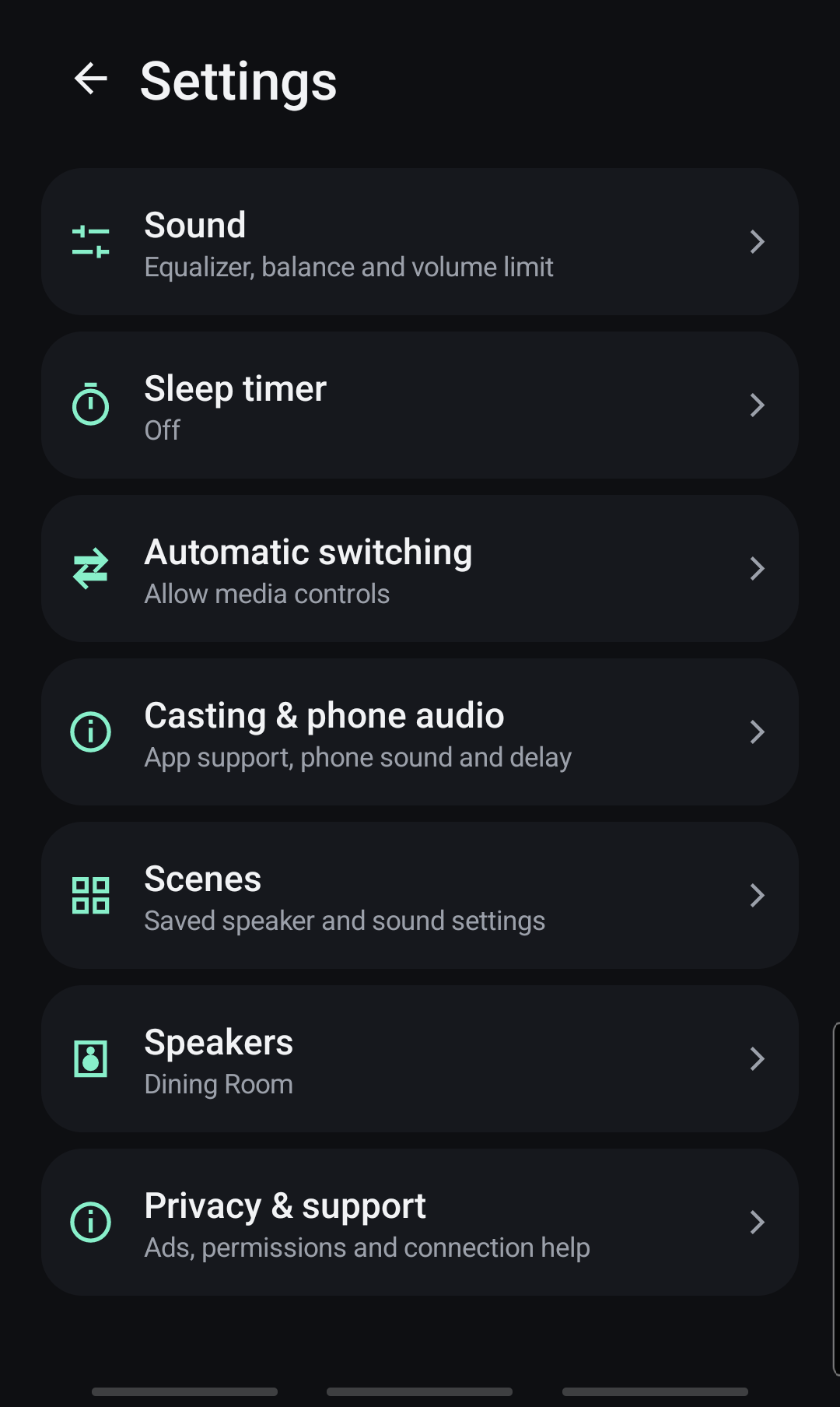
Designed for music, with honest limits.
Get Cast to Sonos on Google Play.
The public Android release is available to install from its official Google Play listing.