Phone Mic guides
Input levels, microphone boost and output
Android · Version 1.1.1 preview · November 11, 2026
Watch the matching Phone Mic tutorial
Find the input-level history
Open Live and look above Start microphone. The input-level history is labelled dBFS: it describes digital signal level, not room loudness. An idle display does not demonstrate microphone activity.
Find microphone boost and output
Scroll down to Your voice. Microphone boost and Output have separate sliders. Boost changes the microphone processing level; Output changes playback level. Begin with low output and adjust gradually while checking the result on your actual speaker setup.
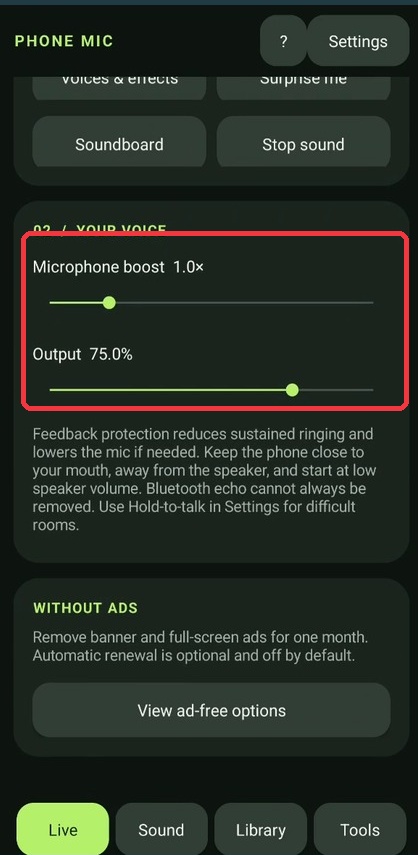 The red outline marks the input and playback controls. Adjust them separately.
Check the actual result
Watch for digital clipping and listen to the actual playback. A digital level display is not a calibrated sound-pressure meter. These controls do not guarantee feedback-free operation; keep the microphone and speaker appropriately separated for your setup.
Start with the Phone Mic overview.